Impact Report Formats: Digital, PDF, or Print?
Impact reporting reflects significant effort, from defining impact initiatives to gathering data and developing the narrative. Once that work is done, how the content is delivered matters.
Organizations don’t need to choose a single format. Digital reports, PDFs, and printed versions each serve distinct purposes, support different audiences, and play different roles in distribution, reference, and discovery. The more useful question is how these formats work together, and what tradeoffs come with each approach.
PDFs & Printed Reports
PDFs and print-ready reports continue to play an important role in impact reporting, particularly for:
Direct sharing via email, investor updates, board materials, and grant reporting
Offline use, including meetings, conferences, and print
Search visibility, when PDFs are properly structured, tagged, and hosted on the organization’s website
Citation and reference, since PDFs are fixed, versioned documents
From an SEO standpoint, PDFs can be indexed and appear in search results when they include selectable text, headings, metadata, and alt text. They are also easy for stakeholders to download, forward, and archive.
As for the limitations, PDFs and printed reports are static, less mobile-friendly, and provide limited insight into how readers interact with the content.
Digital Reports & Landing Pages
Web-based impact reports and report landing pages introduce a different set of strengths:
Content can be broken into sections that are easier to scan and navigate
Pages can link to related data, policies, or partner work without expanding the report itself
Motion, interactive charts, and video can help explain complex topics
Analytics provide insight into what content is being read and shared
The tradeoff is portability. Without a downloadable version, digital reports can be harder to share in email, offline settings, or formal reporting contexts.

SEO, Discovery & Optimization for Generative AI
Both PDFs and web pages can be indexed by search engines. The difference lies in structure.
Well-structured HTML pages are easier for search engines and generative AI tools to parse, summarize, and reference
Clear headings, internal links, and contextual text improve interpretability
PDFs can be indexed, but long, dense documents are harder to interpret than segmented web content
In practice, combining both formats improves overall discoverability and usability.
Examples of Different Approaches
Code for America
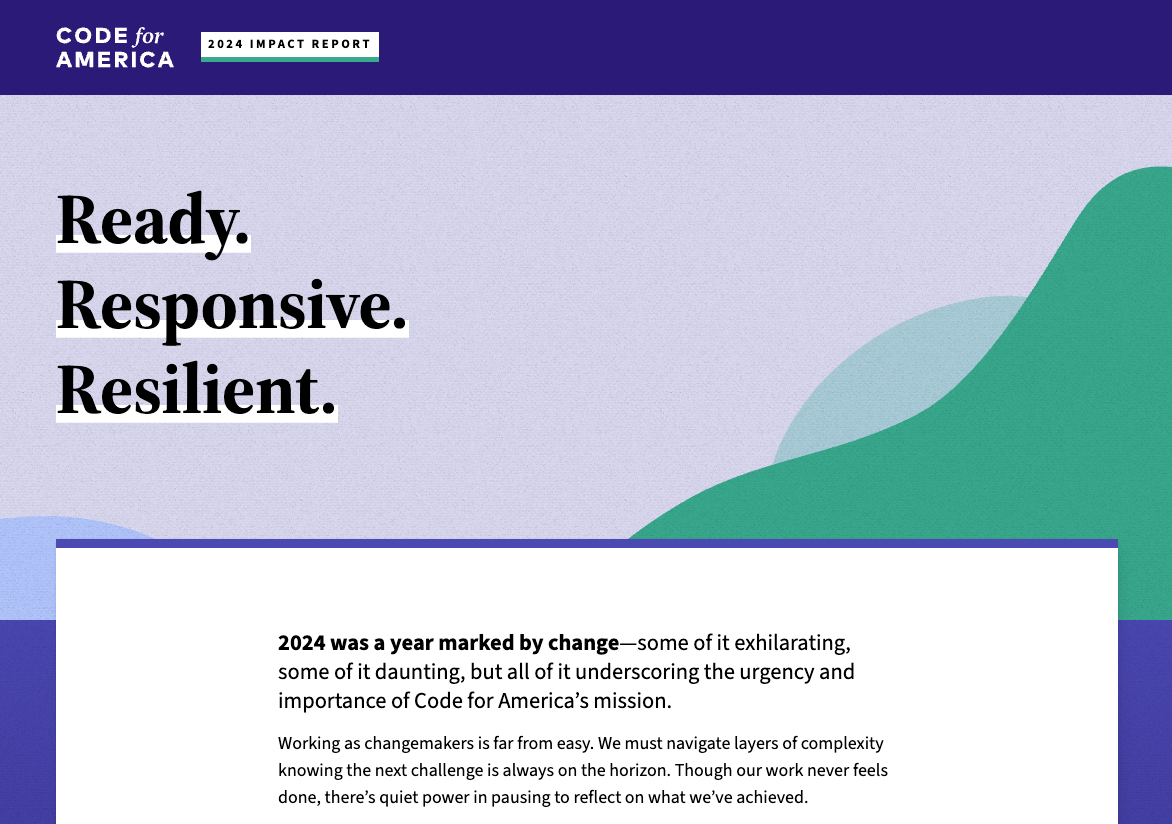
Their most recent impact report is presented as a fully digital experience, without an obvious PDF download. This aligns with their identity as a technology-driven organization.
The report is designed for scrolling or section-by-section navigation and uses interactive and animated elements, along with video, to make the data more engaging. A potential downside is reduced ease of sharing for audiences who expect a single downloadable artifact.
Blackbaud
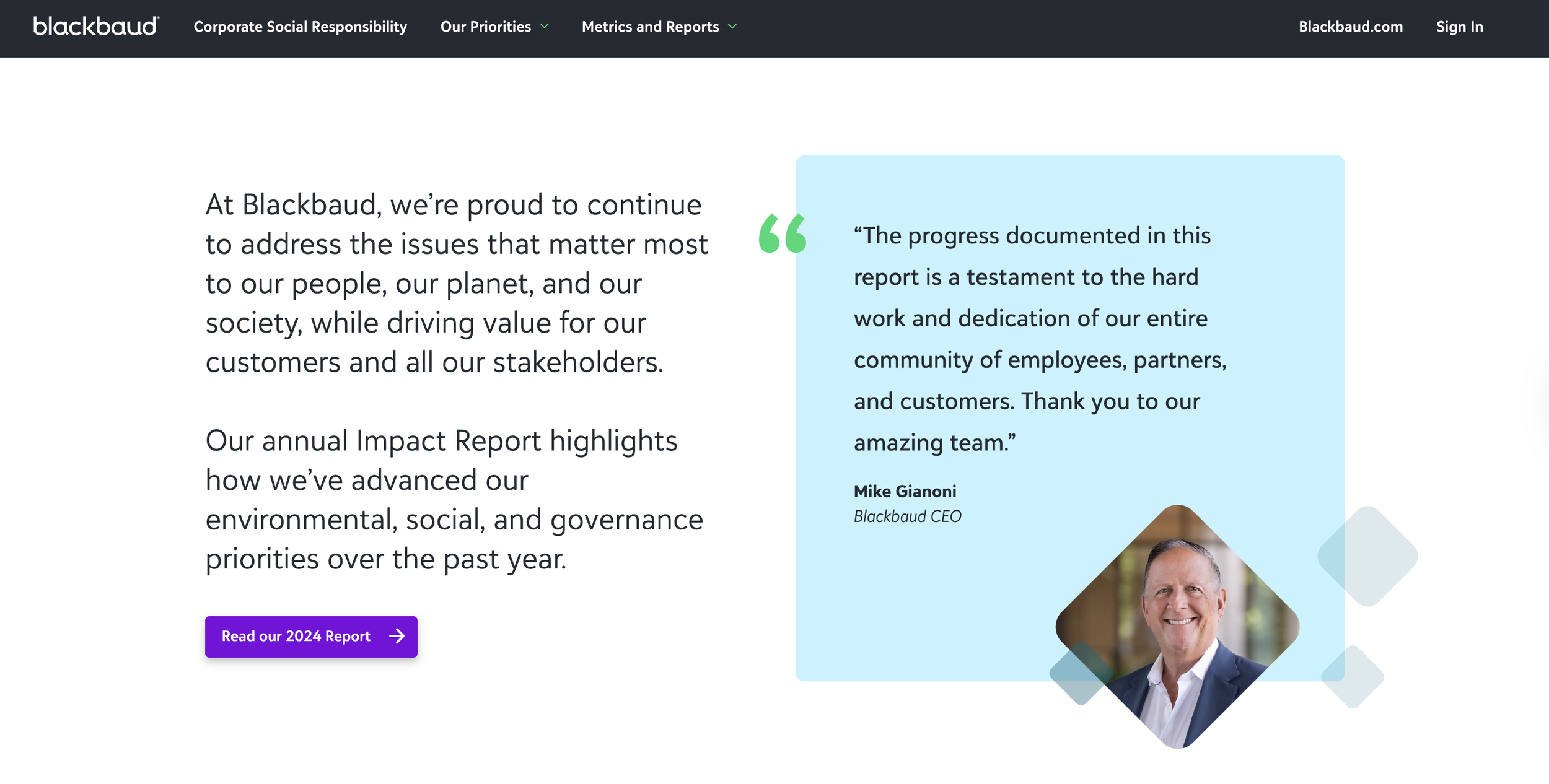
Blackbaud uses a landing page to highlight key metrics and evergreen impact content, with clear links to download the full PDF report.
This approach balances accessibility and depth. High-level takeaways are easy to digest, while the PDF supports detailed review and sharing. One tradeoff is that as users navigate into related pages, they move away from the report’s linear structure.
GuideWell
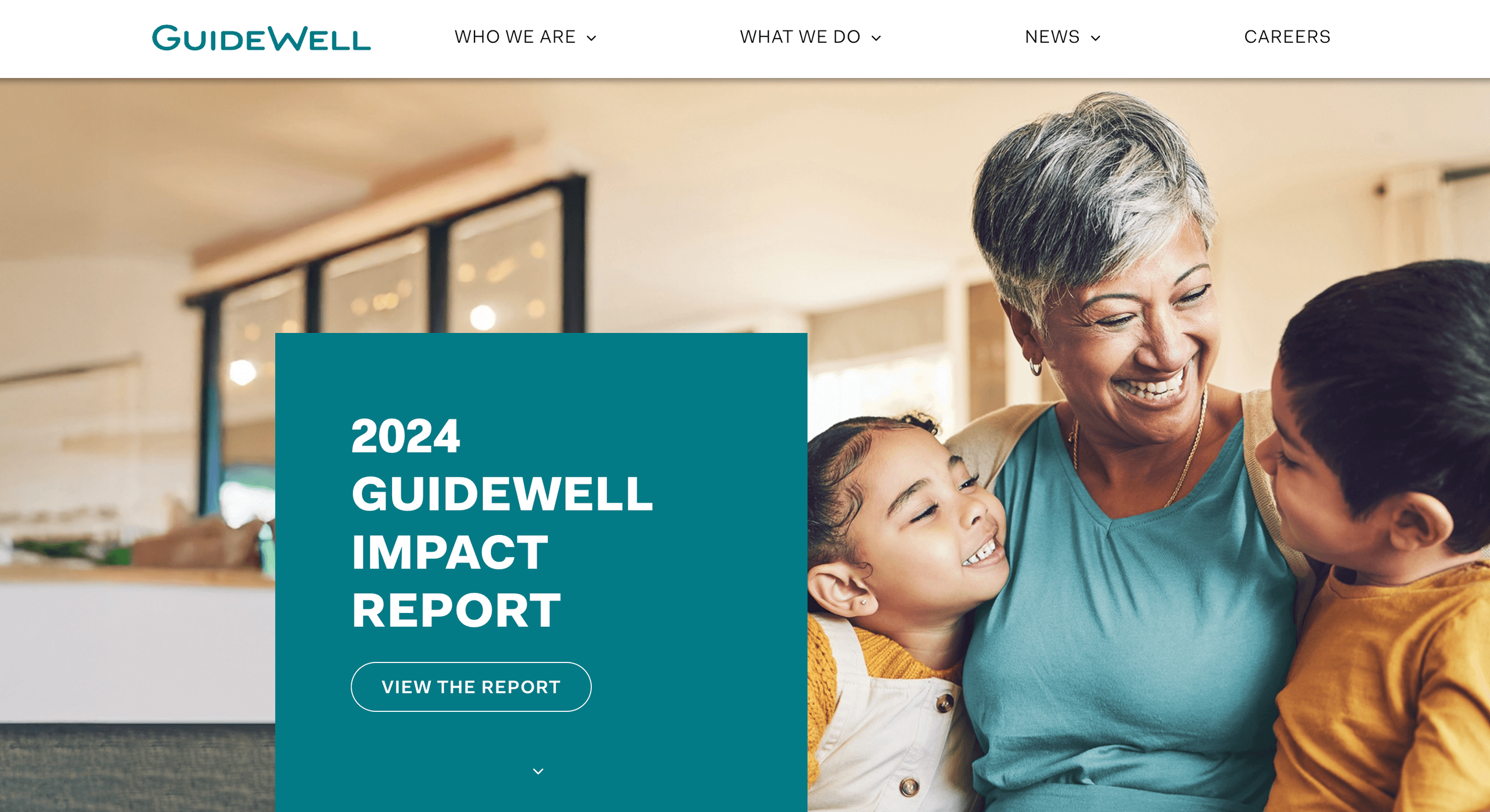
GuideWell’s landing page highlights selected data points and includes a prominent video featuring leadership messages, context on initiatives, and supporting data.
Importantly, links on the page point directly into relevant sections of the PDF rather than routing users elsewhere on the site. This preserves the integrity of the report while still using digital content to orient and engage readers.
How the Formats Work Together
Different formats solve different problems.
Digital reports and landing pages support discovery, engagement, and context
PDFs support sharing, reference, and offline use
When designed together, they reinforce each other rather than compete.